
How to follow your squares
No app to download. No account. It takes about a minute.
Open your link
Use the link your organizer sent. Or go to commandsquares.com and tap Find your pool.
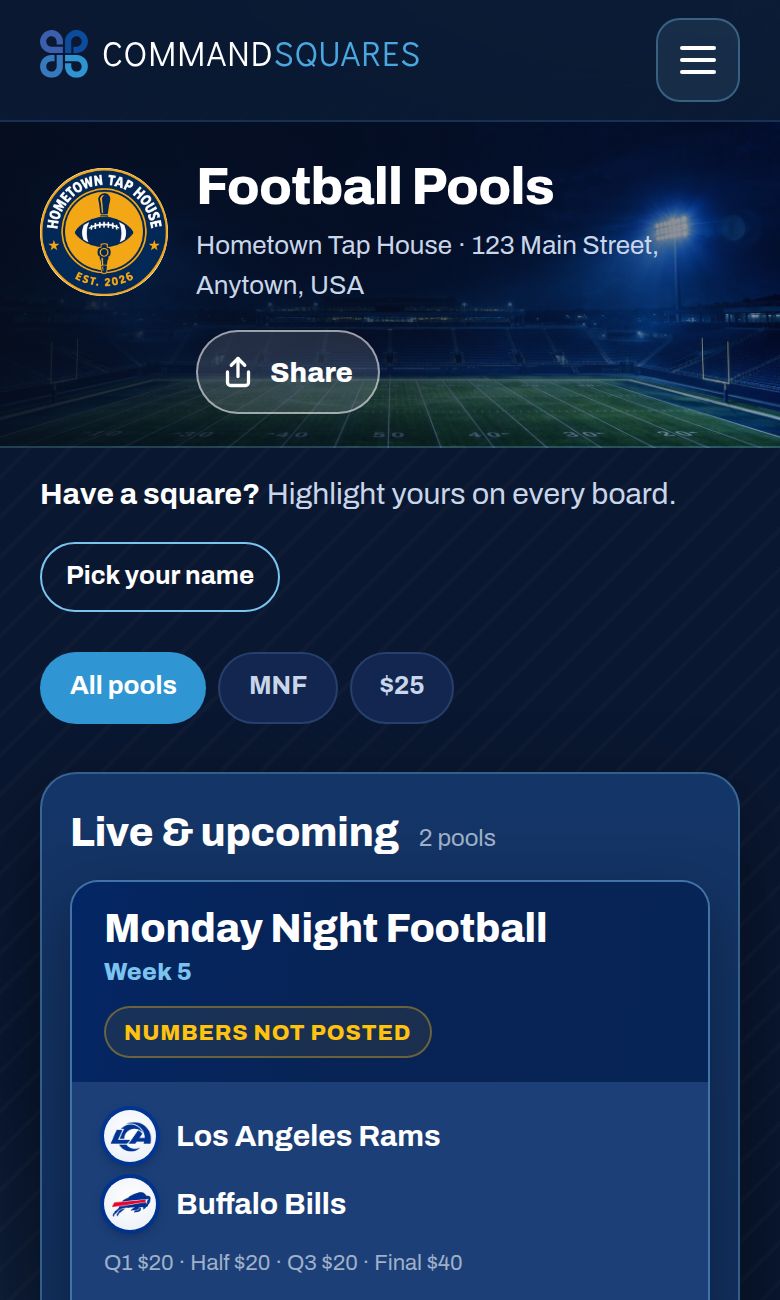
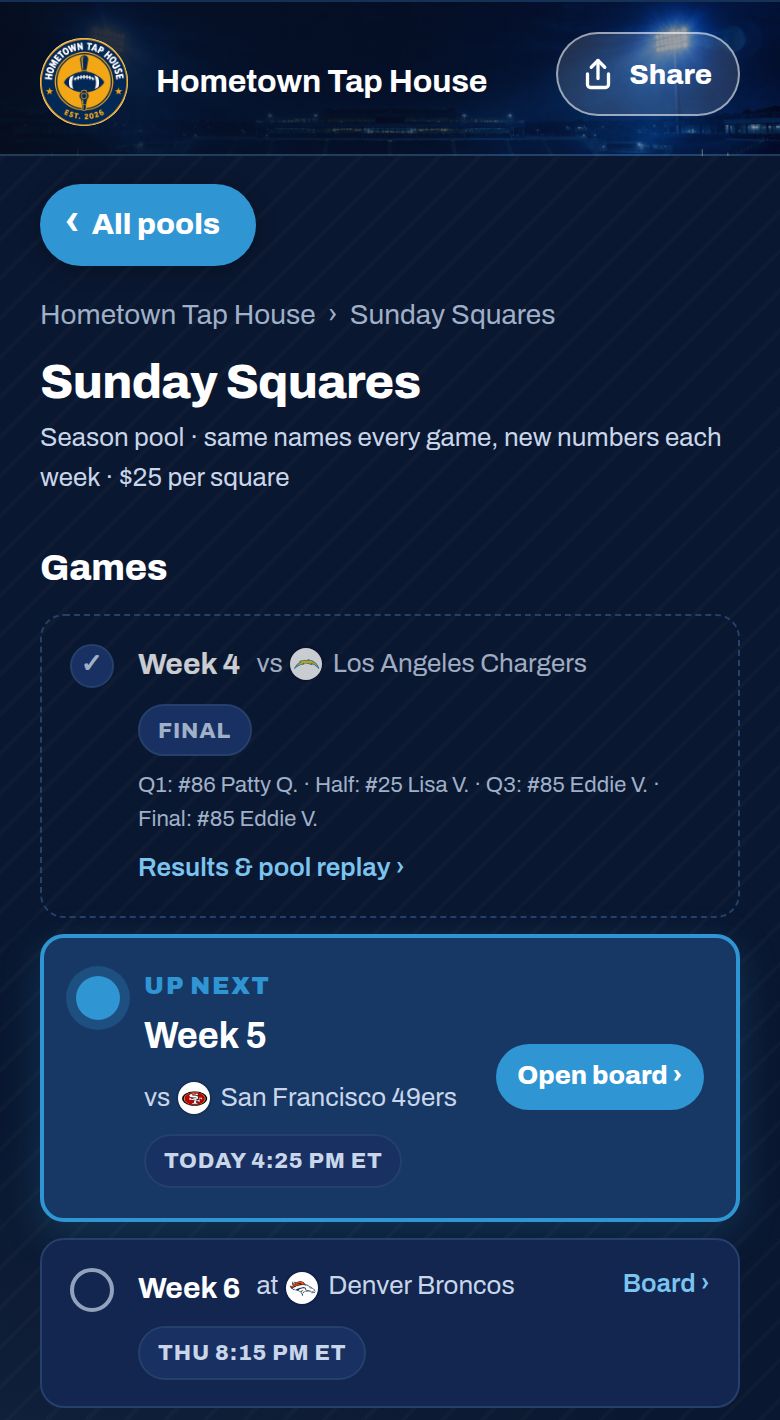
Pick today’s game
Tap your pool. Today’s game is marked Up next. Tap Open board.
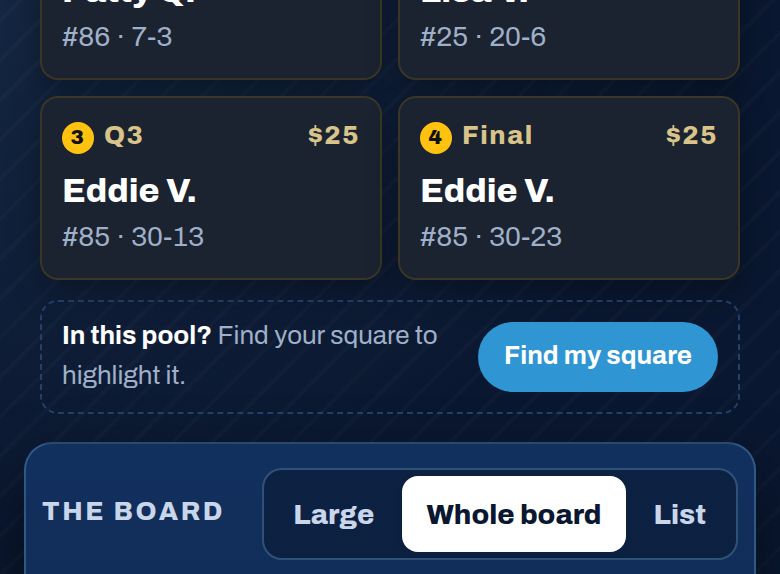
Tap “Find my square”
It’s just above the board.
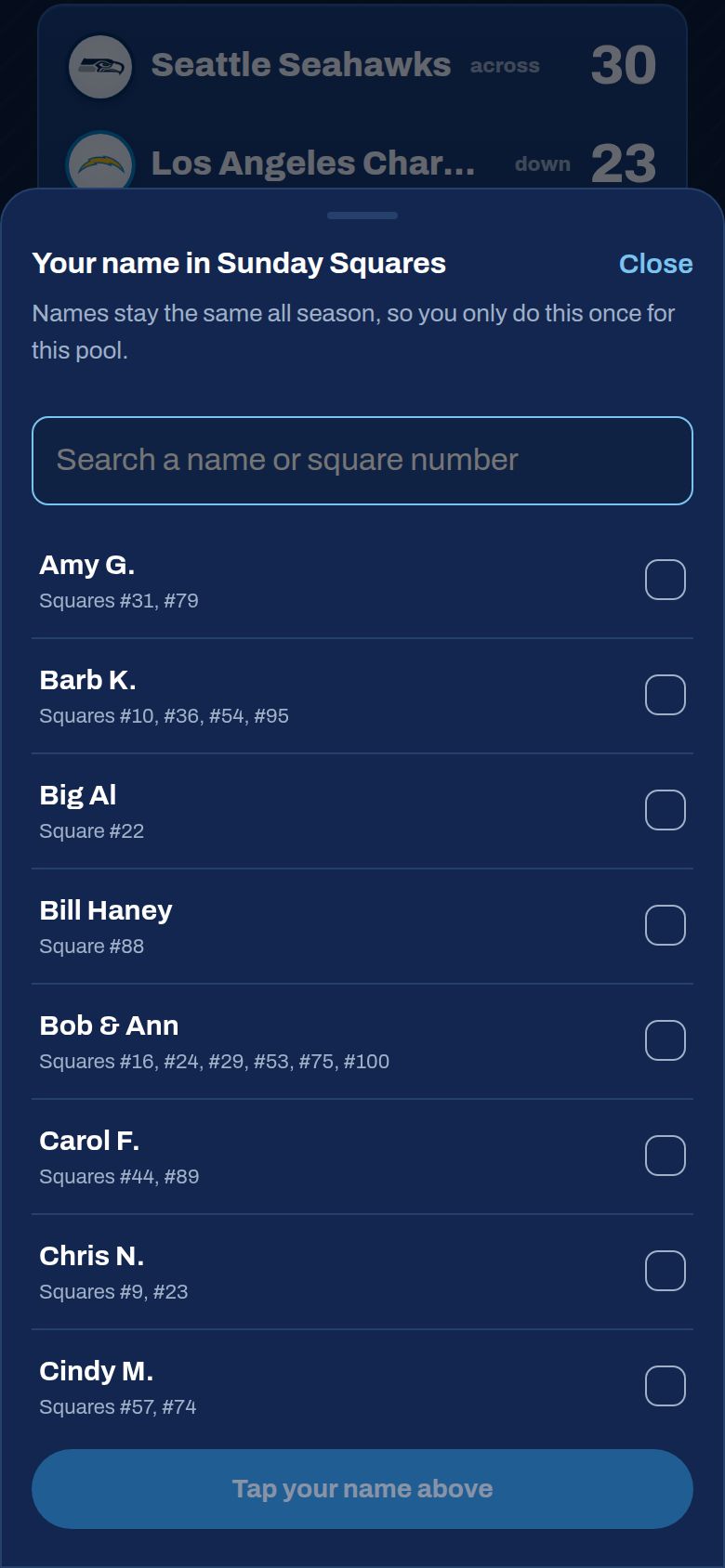
Choose your name
Tap your name, then Save. Your phone remembers it, so you only do this once per pool.
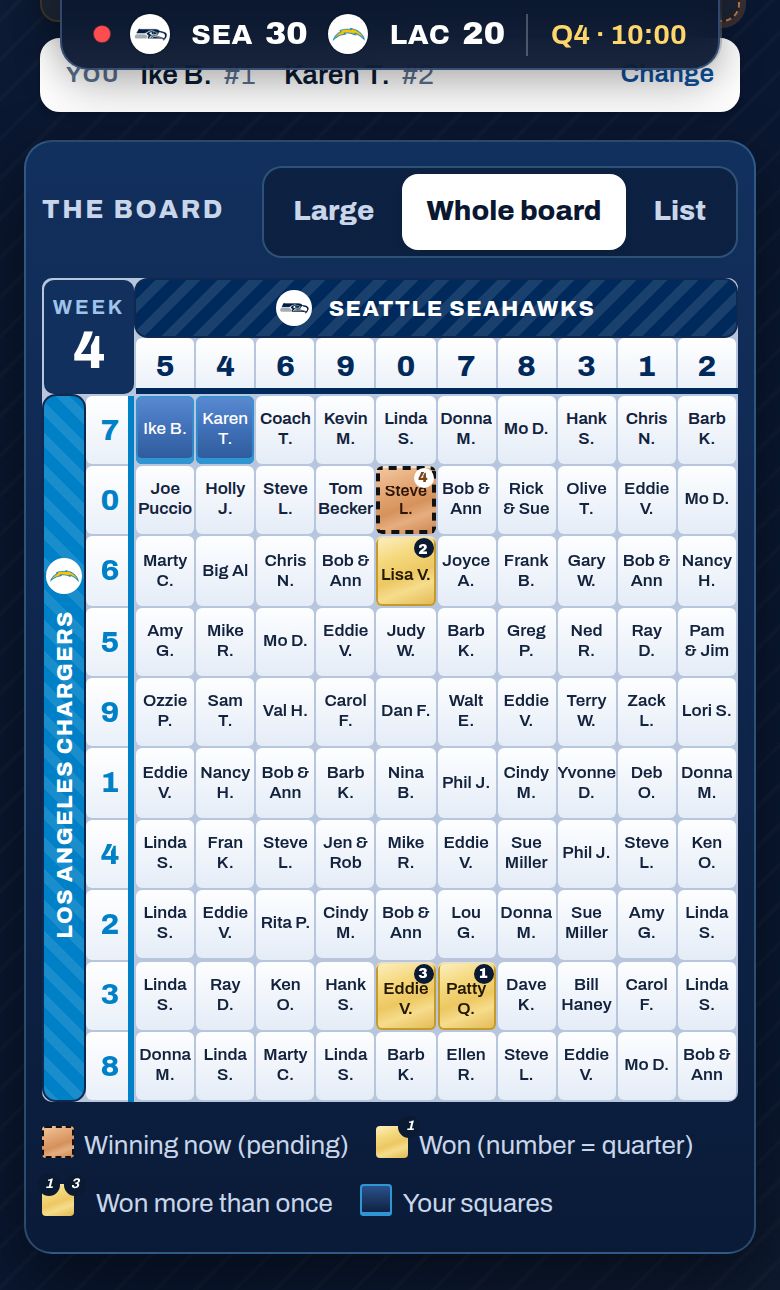
Read the board
Every square is on one screen.
- Blue: your squares
- Gold: already won. The small number is the quarter.
- Bronze with a moving border: winning right now, not final yet
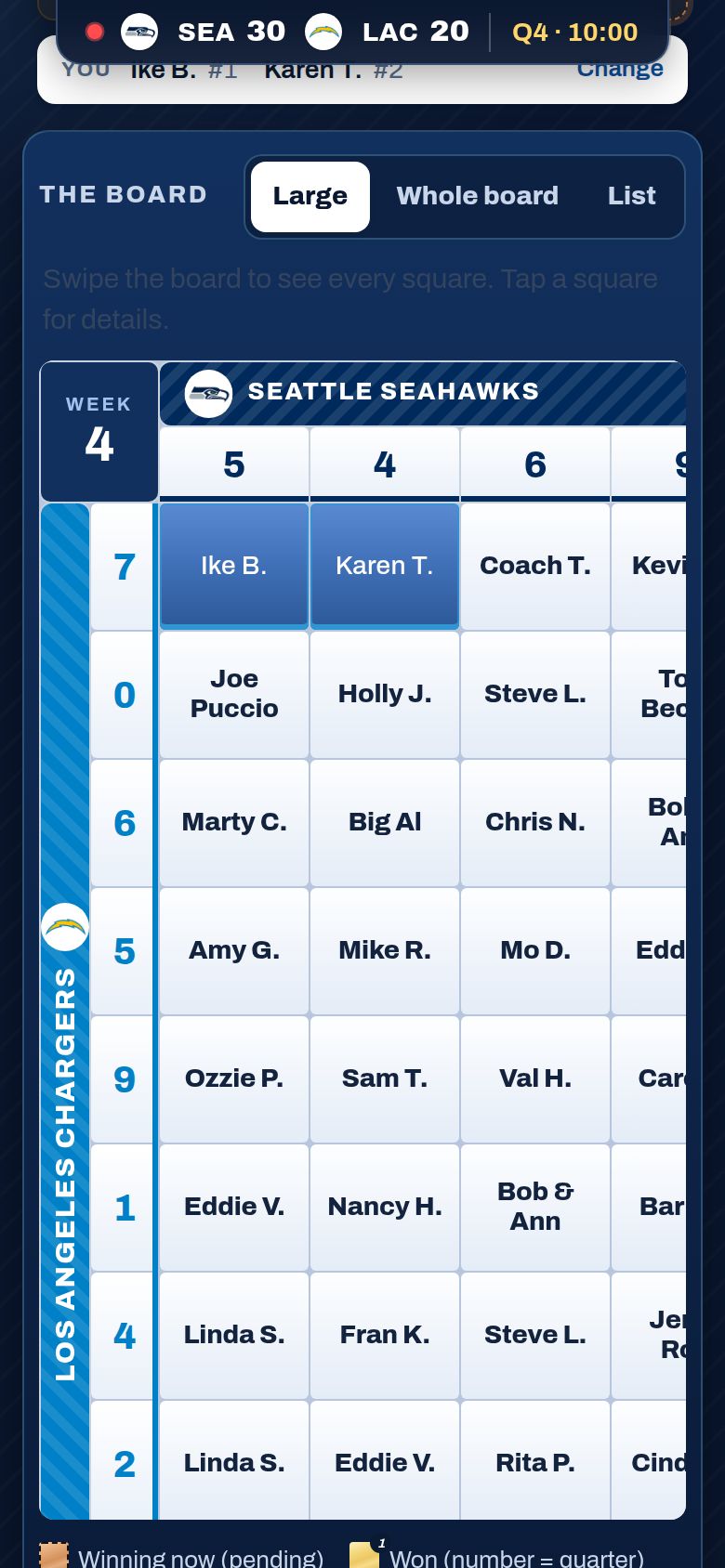
Hard to read? Tap Large
Names get bigger. Swipe to move around the board. Tap Whole board to go back.
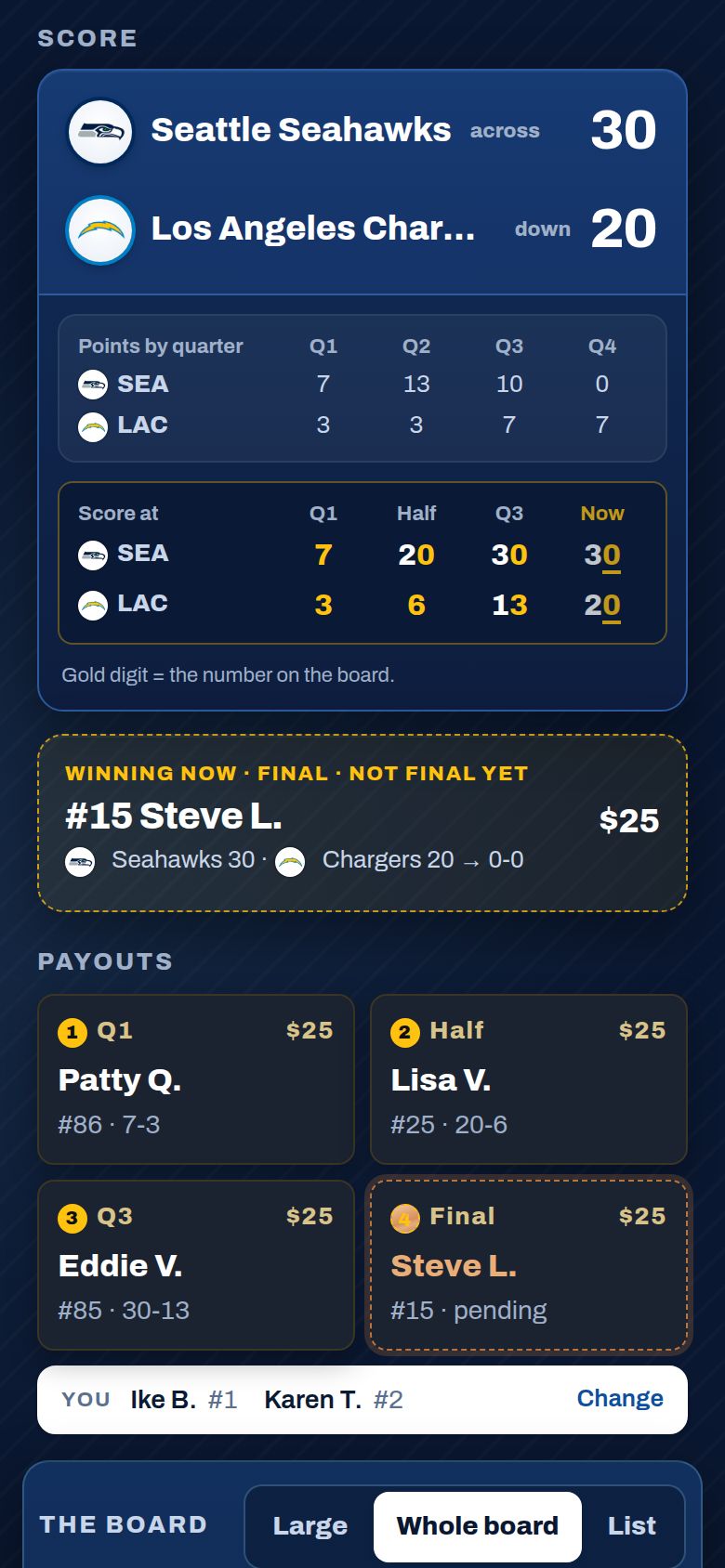
Check the score
Scroll up for the live score and every winner so far. Score at shows the total at the end of each quarter, so there’s no math. As you scroll, the score and time stay at the top.
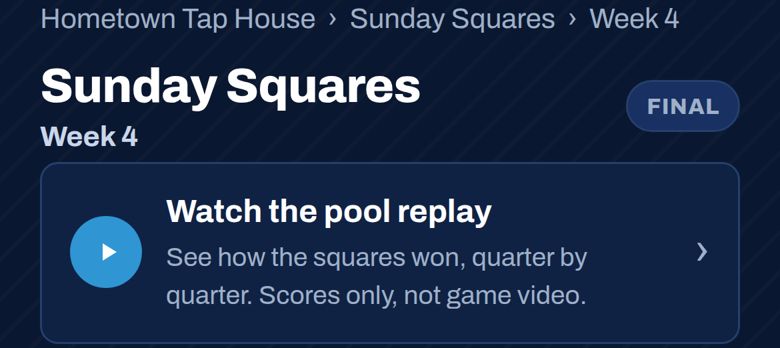
Missed the game? Watch the pool replay
Open any finished game and tap Watch the pool replay. The scores and winning squares play out quarter by quarter. It’s not game video. Tap Pause anytime, or Exit pool replay when you’re done.
Share it
Tap Share to text the page to a friend. It sends a short note with the link.

Need help?
Name missing or spelled wrong? Ask your organizer. They can fix it in seconds.
Something else? Contact support.